Chat
Chat
Lesson Notes
Introduction
At the end of this course I promise you will own three accounts, a payment account, a blog (free) and atleast one writing account. All at no extra cost. :)
Lets start off with payment account .
After you have done writing orders and they get approved you need to get paid, right? this is probably why you are doing online writing anyway. The most efficient method of online transfer right now is paypal. In this lesson we are going to open a paypal account and link it to M-pesa. Some students tell me that they encounter challenges when linking their paypal account with Mpesa.
The major issue when it comes to connecting your paypal account with mpesa is mismatch of Mpesa details with the ones you registered with paypal, so, for this exercise to be successful you should register your account using the exact details in your national ID card, or the one you used in your safaricom line.
So let dive in right away.
Click the link below to get you started. You will see a screen shot like below. Select Personal Account And click "Continue button"

After clicking continue, you will be taken to the page as shown in the screenshot below. Enter your details as they appear in your ID or safaricom line. Our end goal remember is connecting paypal to mpesa.After you have filled the details correctly, click next

The next page from our previous step Takes us here as the screen shot below..
Enter your correct details as below and check the stay logged in box and accept terms and conditions and create your account.

Our previous step will take us to the page as screenshot below.This is where you connect your Paypal account to your bank account. But we dont need this step since we have Mpesa. So, skip it by clicking on paypal home page as shown below.

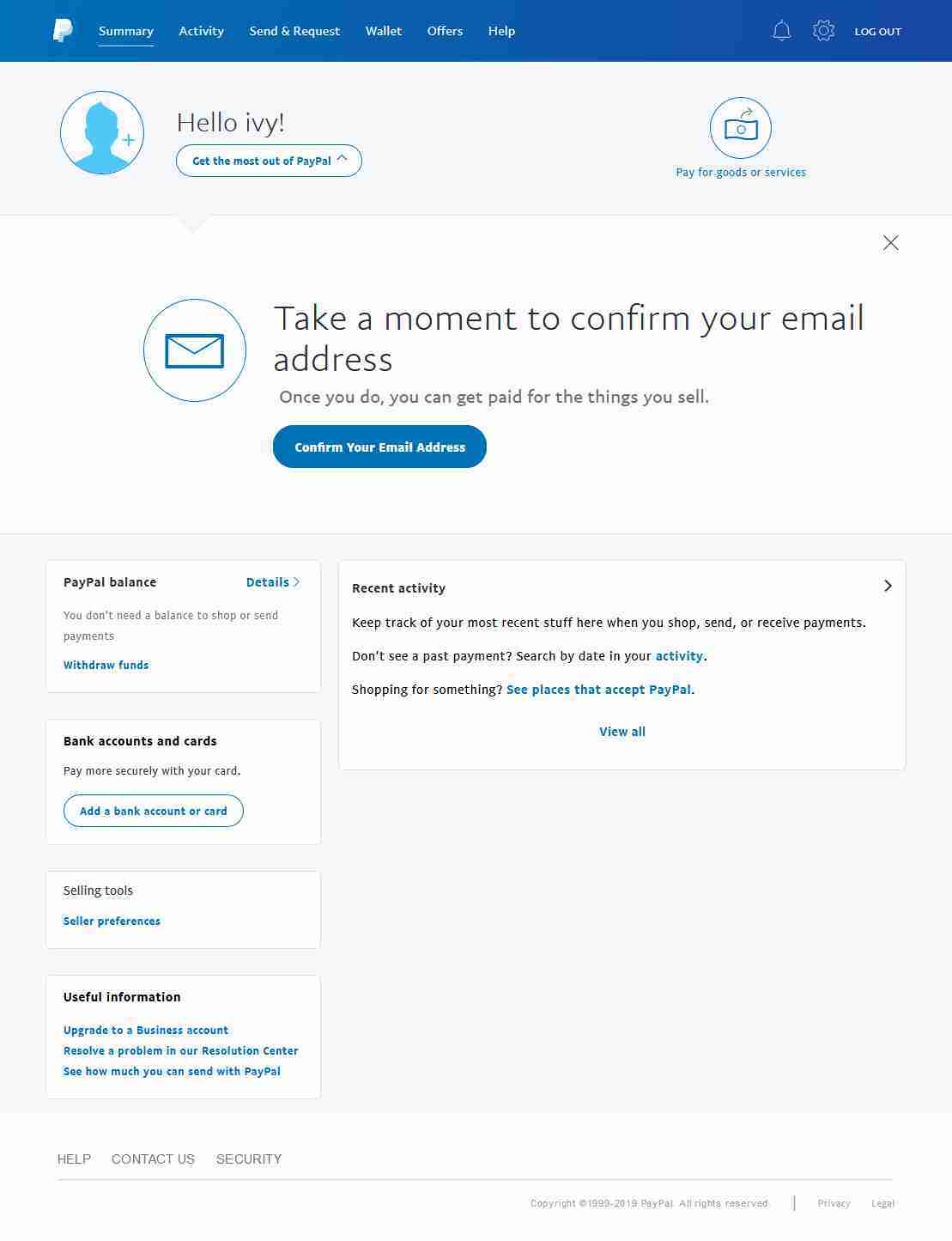
Confirm your email address to activate your account. Log in to the email address you have registered paypal account with and click the link they will send you to activate your account.